Prayer journal app
A prayer journal that remembers His answers.
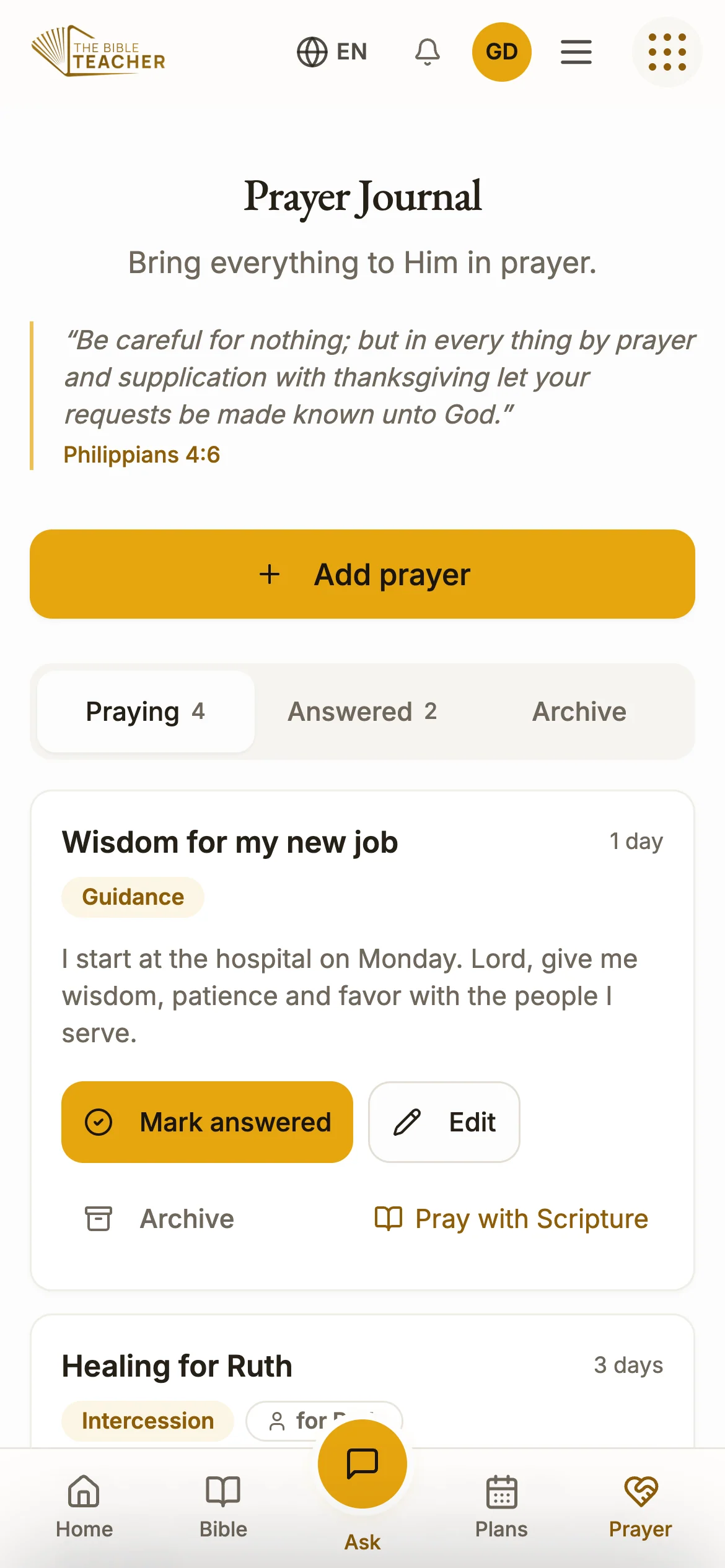
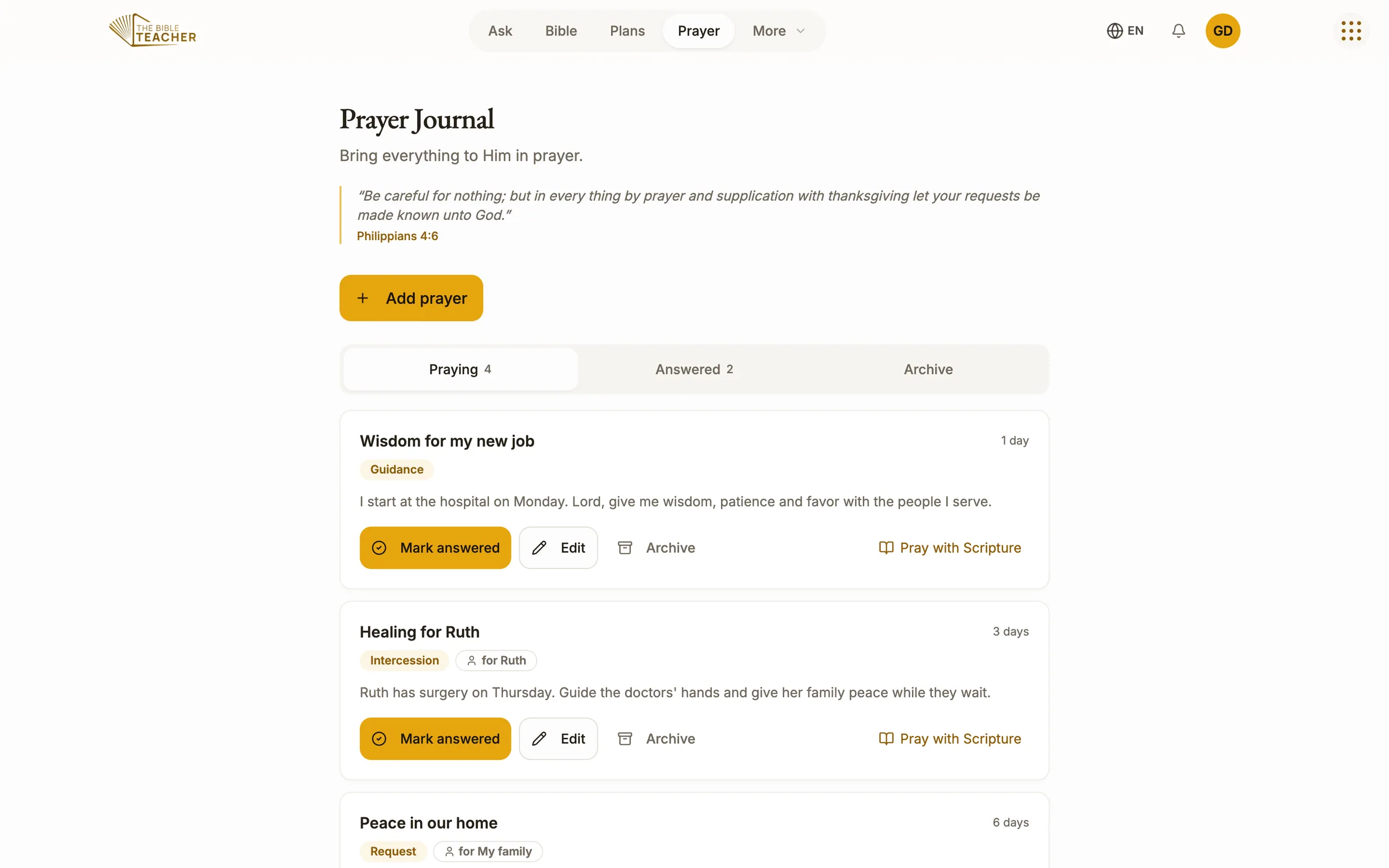
Write your prayers down, pray for the people you love, and when God answers, write that down too. Over time your journal becomes a story of answered prayer you can read again on hard days.


01 · Prayer journal app
Everything on your heart
Add a request, a word of thanksgiving, a confession, a prayer for guidance, or a prayer for someone by name. Each prayer keeps its own details.
02 · Prayer journal app
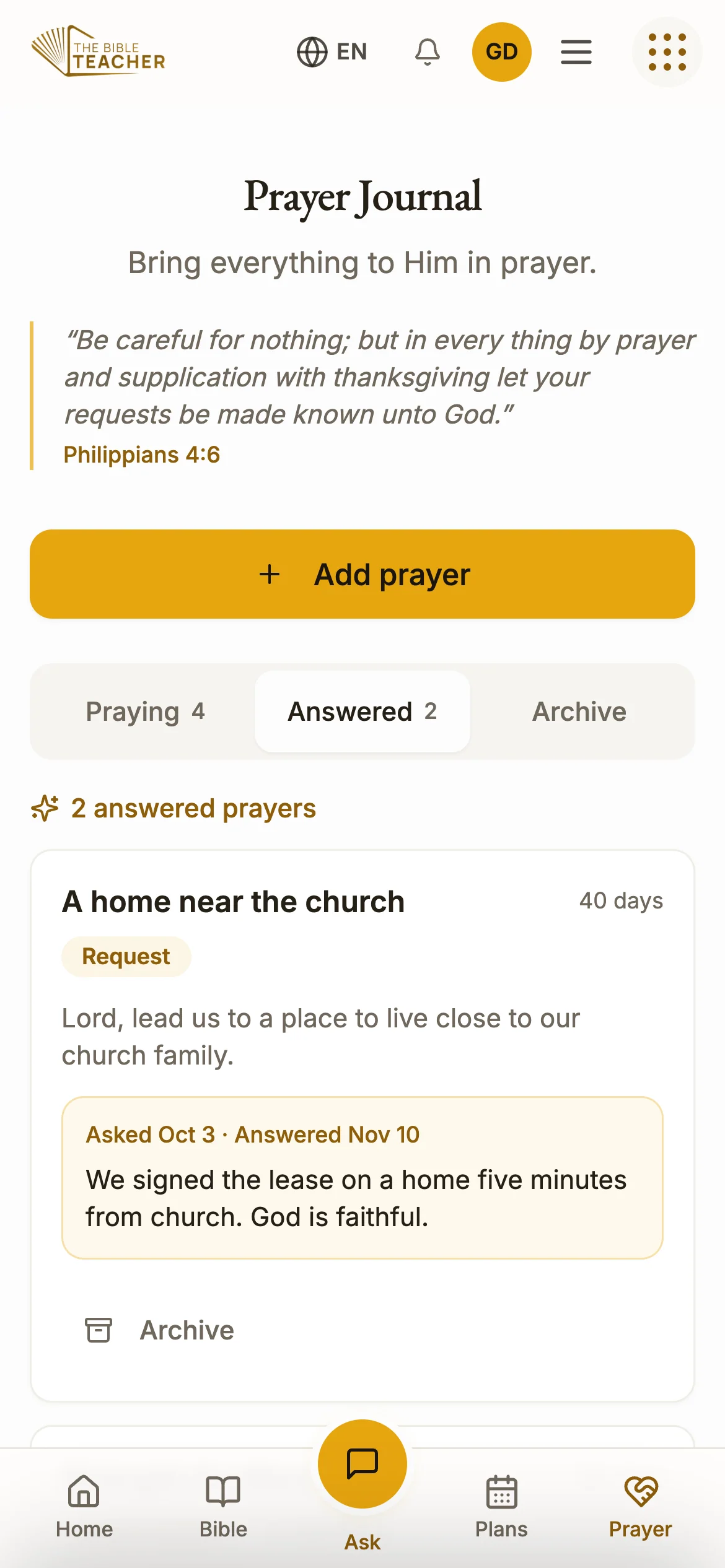
Mark it answered
When a prayer is answered, mark it and write how God answered. The Answered tab gathers every testimony in one place.
03 · Prayer journal app
Yours alone
Your journal is private to your account and follows you from phone to computer. Archive a prayer when its season has passed.
“Be careful for nothing; but in every thing by prayer and supplication with thanksgiving let your requests be made known unto God.”Common questions
All questionsIs my prayer journal private?
Yes. Your prayers, notes and highlights belong to your account and are not shown to anyone else. You stay in control of them, and of your Mary Banks ID, from your account settings.
Is The Bible Teacher free?
Yes. The Bible Teacher is free on the web, on iPhone and on Android, with no subscription. You can ask five questions as a guest. After that, create a free Mary Banks ID to keep asking, and to keep your notes, highlights, plans, prayers and conversations on every device. The ministry is supported by partners who give so that others can learn.
Does it work on a computer?
Yes. Open app.thebibleteacher.com in any web browser on a PC, Mac or Chromebook. Sign in with the same Mary Banks ID and everything you saved on your phone is there.
Where can I get the app?
Open it in any web browser at app.thebibleteacher.com, or download it free from the App Store for iPhone and iPad and from Google Play for Android.
Your first question is waiting.
Ask it now in your browser, or get the app for your phone. It is free.