Audio Bible
The Bible, read aloud to you, verse by verse.
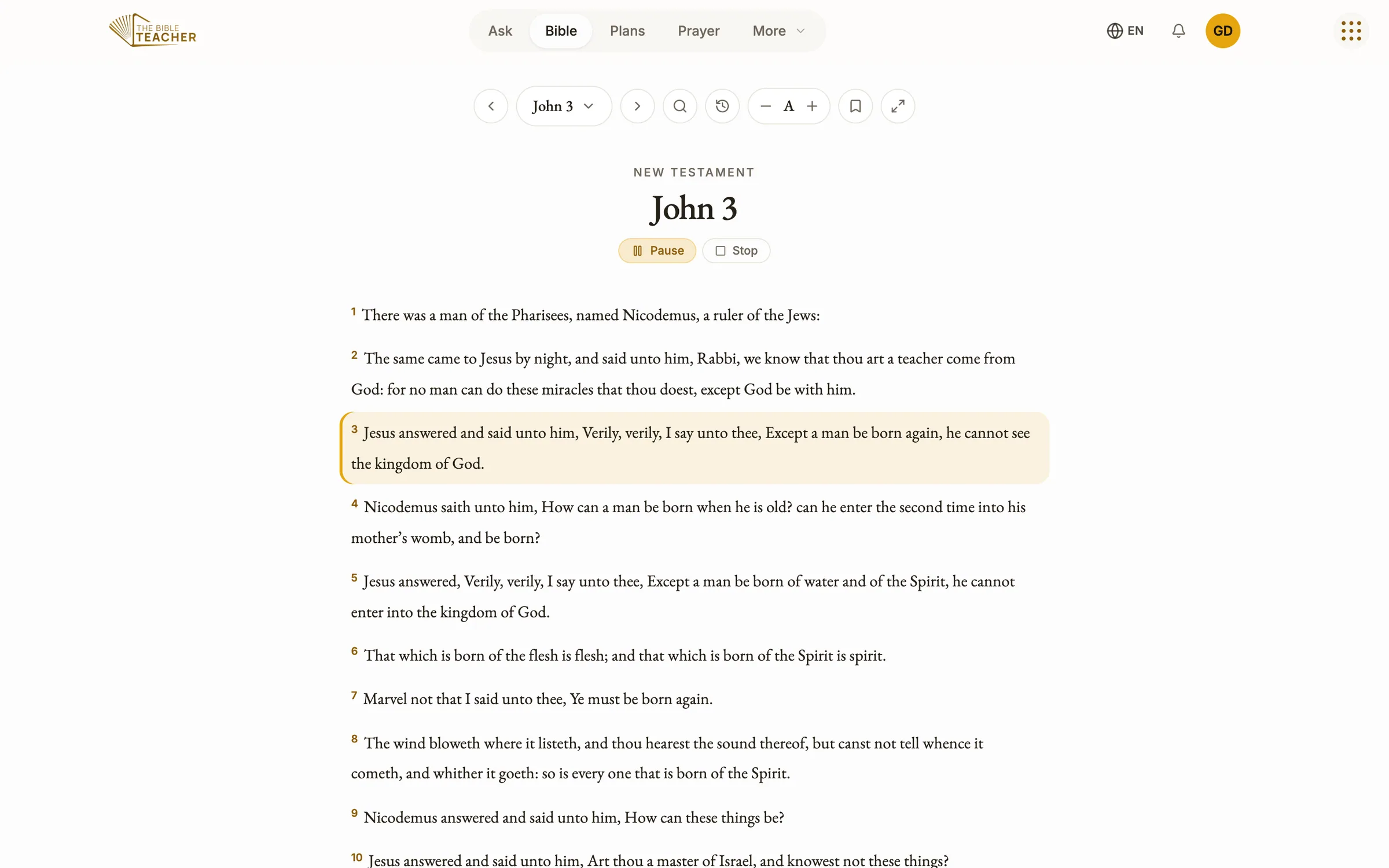
Read all 66 books of the Bible and listen to any chapter. Each verse is highlighted as it is read, so you can follow along with your eyes, or close them and simply listen.

01 · Audio Bible
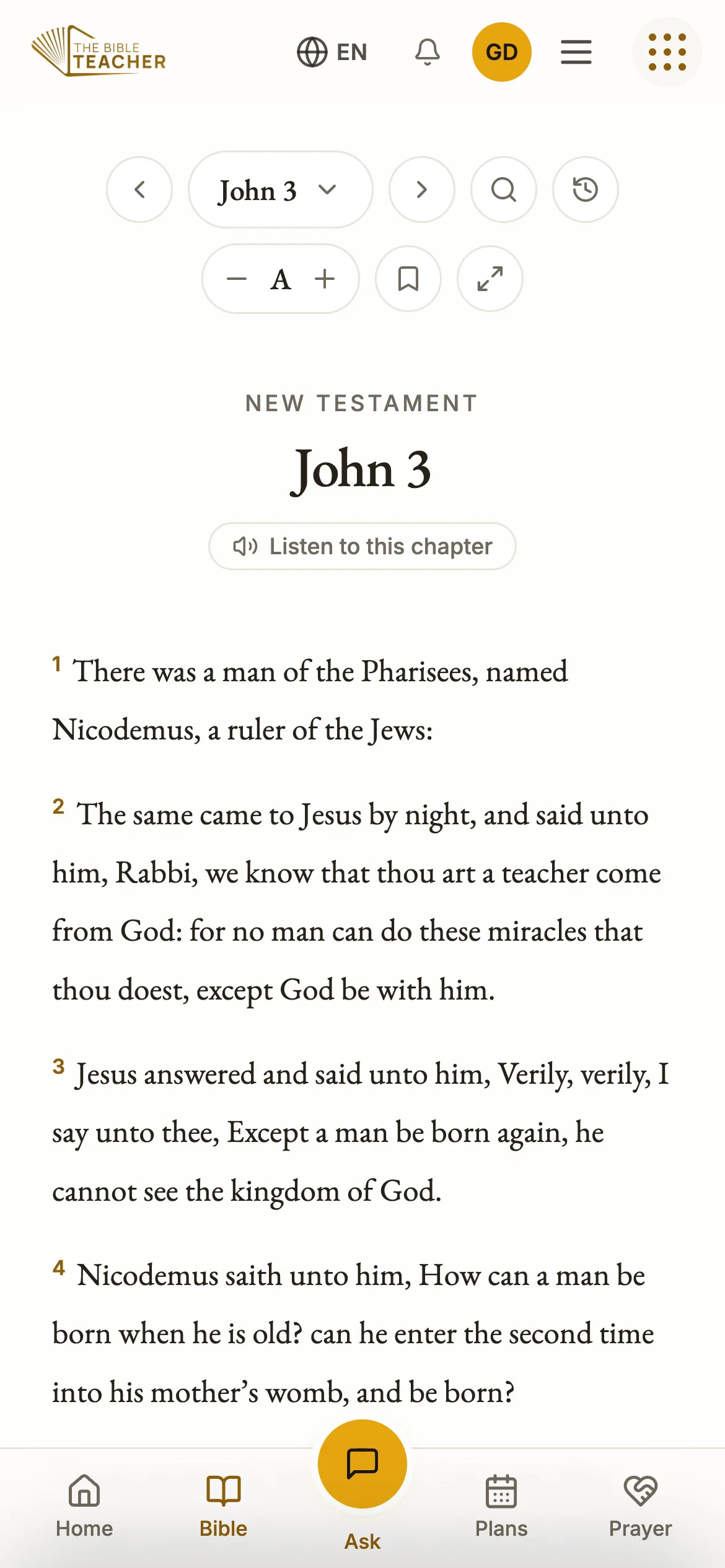
Every chapter, read aloud
Tap Listen on any chapter and the reading begins, verse by verse, with the verse being read lit up on the page. Keep listening with your screen locked in the app.
02 · Audio Bible
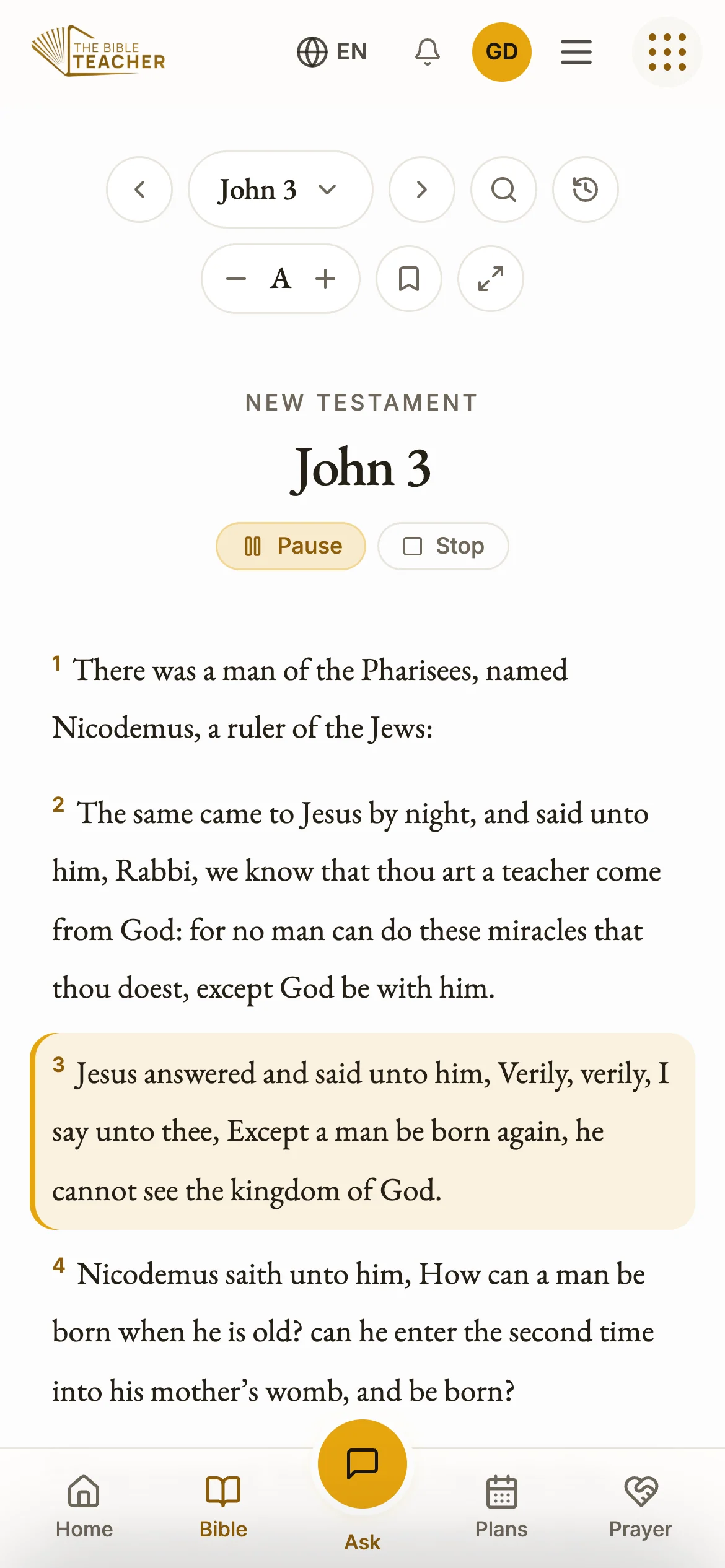
Mark what speaks to you
Highlight a verse, write a note beside it, or bookmark it to return to later. Your notes and highlights follow you to every device when you sign in.
03 · Audio Bible
Your Bible, your language
Change the language and Scripture changes with it, read from a published translation such as Reina-Valera 1909 in Spanish or the Chinese Union Version, never a machine translation.
Real audio from the app
Hear a verse
“For God so loved the world, that he gave his only begotten Son, that whosoever believeth in him should not perish, but have everlasting life.”
John 3:16“Thy word is a lamp unto my feet, and a light unto my path.”
Psalm 119:105“Casting all your care upon him; for he careth for you.”
1 Peter 5:7
Common questions
All questionsCan I listen to the Bible?
Yes. Every chapter can be read aloud verse by verse, with each verse highlighted as it plays. Daily devotionals in the reading plans can be read aloud too.
Which Bible translation does it use?
In English, Scripture is quoted from the King James Version. In other languages, it comes from a published translation in that language, such as Reina-Valera 1909 in Spanish, Louis Segond 1910 in French, the Chinese Union Version or the Swahili Union Version. Scripture is never machine-translated. Where no published Bible is available in a language yet, the English text is shown.
What languages does it speak?
The Bible Teacher works in 73 languages, including Spanish, French, Portuguese, Swahili, Haitian Creole, Arabic, Hindi, Chinese, Korean and Russian. Menus, answers, reading plans and questions all come in your language.
Does it work on a computer?
Yes. Open app.thebibleteacher.com in any web browser on a PC, Mac or Chromebook. Sign in with the same Mary Banks ID and everything you saved on your phone is there.
Your first question is waiting.
Ask it now in your browser, or get the app for your phone. It is free.